The FPS Tower Defense Toolkit comes with inbuilt support for switching between FPS & TPS [limited animations in TPS] modes. The associated logic lies within the BP_FPSTDCharacter blueprint as shown in the screenshot below:

However, in order to convert it into a purely TPS project, the following steps will guide you through the process [all changes are to made in the BP_FPSTDTCharacter blueprint]:
1. First remove that 'SwitchCamera' logic marked with the red box in the screenshot. You won't need that if you're only using third person view.
2. Then remove the 'Mesh1P' skeletal mesh component & any references to it within the character blueprint.
3. Replace every instance of '1PCamera' camera component with '3PCamera' camera component & then delete '1PCamera'. Tick the 'Auto Activate' property of '3PCamera'.
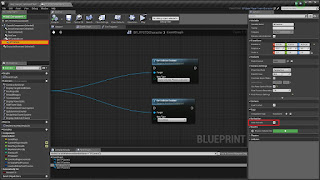
4. Now select the 'Mesh' component, & untick the attribute 'Hidden in Game' as shown below:
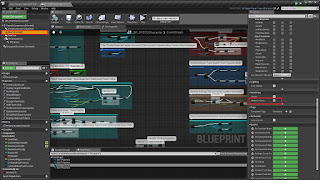
5. With that, you should be able to get the third person view working. Apart from that, there is only some code clean up to do. So just search for the variable 'FPSMode?' and disconnect the part that's only connected to it's True execution pin.
For more details about the toolkit, check out the official Unreal Engine forums support thread: https://forums.unrealengine.com/showthread.php?79300-FPS-Tower-Defense-Toolkit
Marketplace Product Page: https://www.unrealengine.com/marketplace/fps-tower-defense-toolkit

However, in order to convert it into a purely TPS project, the following steps will guide you through the process [all changes are to made in the BP_FPSTDTCharacter blueprint]:
1. First remove that 'SwitchCamera' logic marked with the red box in the screenshot. You won't need that if you're only using third person view.
2. Then remove the 'Mesh1P' skeletal mesh component & any references to it within the character blueprint.
3. Replace every instance of '1PCamera' camera component with '3PCamera' camera component & then delete '1PCamera'. Tick the 'Auto Activate' property of '3PCamera'.
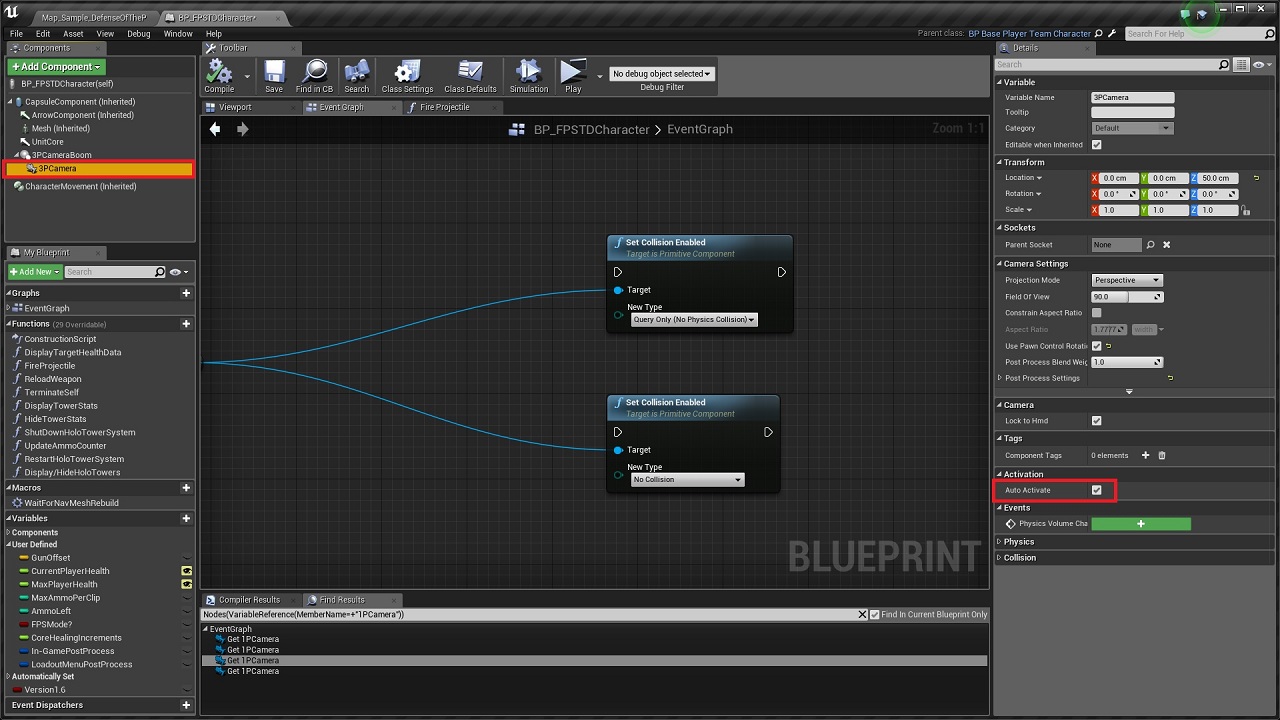
4. Now select the 'Mesh' component, & untick the attribute 'Hidden in Game' as shown below:

5. With that, you should be able to get the third person view working. Apart from that, there is only some code clean up to do. So just search for the variable 'FPSMode?' and disconnect the part that's only connected to it's True execution pin.
For more details about the toolkit, check out the official Unreal Engine forums support thread: https://forums.unrealengine.com/showthread.php?79300-FPS-Tower-Defense-Toolkit
Marketplace Product Page: https://www.unrealengine.com/marketplace/fps-tower-defense-toolkit

No comments:
Post a Comment