Update I (v1.1) [Compatible with Unreal Engine v4.11] project files for the Top Down Stealth Toolkit are now available in the Marketplace. Since this update brings about a lot of changes, both in terms of new features as well as the improvements over the previous v1.0 implementation, the update has been released only for Unreal Engine v4.11. This ensures that anyone who wants to keep using the v1.0 implementation can still download the v4.10 project files from the Marketplace.
Listed below is a brief overview of the code changes in the update:
- Dynamic Vision Arcs & Laser Tracking system are now implemented through the use of custom components & interfaces. The component based design provides improved modularity & enables easy attachment to different classes.
- Added Turret Bot AI. Uses the new Laser Tracking component to acquire & lock on to targets. [Preview Video: https://www.youtube.com/watch?v=9uOBp0Tnk34]
- Gadget Selection menu at level start enable players to select custom loadouts. Gadgets populated as HUD elements dynamically based on information specified in the Gadget Data Array. [Preview Video: https://www.youtube.com/watch?v=1FJeg6V7iek]
- The new Gadget Data Array controls the important parameters of all available gadgets from a central location.
- The Camera Bot now triggers timed alarm loops instead of single alarm as long as player character is within vision range.
- Replaced Camera Jammer with an EMP that can temporarily deactivate both camera & turret bots.
- Laser Tracking component added to Ranged Patrol bot to improve over the existing targeting system.
- Improved aesthetic feedback for peripheral range display. The peripheral range display changes color from white (default) to red based on peripheral alert level, replacing the text render that displayed peripheral threat counter.
- The patrol bots can now distinguish between different types of noises & handle decision priorities accordingly. Alarm sounds receive higher priority compared to footstep & whistle sounds.
- Added new suspicious & alarmed states for the patrol bots to create a more realistic design for state changes.
- The new Vision Arc Optimizer actor provides performance boost by removing rendering calculations for arcs outside the screenspace.
- Added dynamic operational cost levels enable AI to turn on/off expensive calculations like vision arc updates & threat detection logic on the move based on the requirements.
- Setter functions implemented to enable variables changes to occur only from within their parent objects.
- Improved code standardization & optimization implemented across all classes.
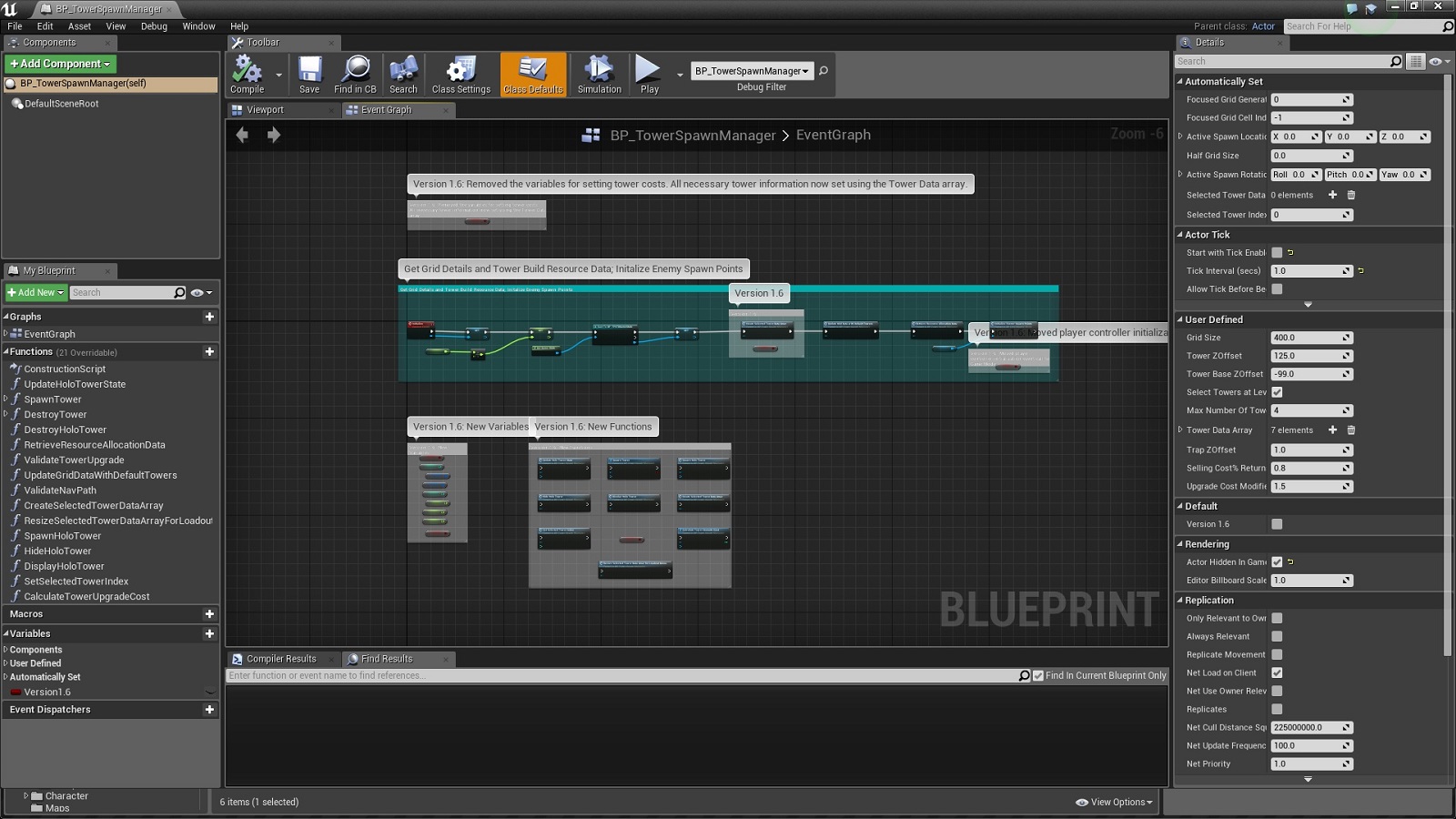
All changes within the blueprints are marked with the boolean variable 'Version1.1' in order to easily identify the workflow changes introduced with this update. Comments are also written to describe the major changes. The new variables as well as functions added to existing blueprints are also marked in the event graph as shown below:

Changes in the Content Browser:
- New default HUD class added: BP_PlayerHUD.
- New default Game Instance class added: BP_TDSTGameInstance.
- Removed BP_EnemyAI_Parent class.
- Added new stationary enemy AI class: BP_StationaryAI_Turret.
- BT_PatrolEnemyAI, & BTT_SearchCurrentLocation renamed to 'BT_PatrolAI', BTT_SetNewPatrolLocation & BTT_InspectCurrentLocation respectively.
- Removed BT Tasks BTT_AimAtPlayer & BTT_ExecutePatrolMovement.
- Added new BT Tasks BTT_KeepTargetInFocus, BTT_SetActiveThreat, BTT_SetNewPatrolLocation, BTT_SetNewTargetLocation & BTT_TakeAimAtTarget.
- BP_StationaryEnemyAI_Camera & BP_StationaryEnemyAI_Parent renamed to BP_StationaryAI_Camera & BP_StationaryAI_Parent respectively.
- Added new custom components: BPC_AutomatedLaserTracker & BPC_VisionArcVertexManager.
- Added new enums: EHUDState, ENoiseType & EOperationCostLevel.
- Removed enum Enum_PlayerSkills.
- Added new class BP_VisionArcOptimizer.
- Added new widgets: Widget_GadgetSelectionButton, Widget_GadgetsGridPanel & Widget_LoadoutMenu.
- 'BB_PatrolEnemyAI', 'BP_AIController_PatrolEnemyAI, 'BP_PatrolEnemyAI_Melee, BP_PatrolEnemyAI_Parent, & BP_PatrolEnemyAI_Ranged renamed to BB_PatrolAI, BP_AIController_PatrolAI, BP_PatrolAI_Melee, BP_PatrolAI_Parent, & BP_PatrolAI_Ranged respectively.
- Enum_PatrolAIClass, Enum_PatrolAIState, Enum_PatrolType, Enum_PlayerGadgets, Enum_StationaryAIClass & Enum_StationaryAIState renamed to EPatrolAIClass, EPatrolAIState, EPatrolType, EGadgets, EStationaryAIClass & EStationaryAIState respectively.
For more details, check out the official support thread in the Unreal Engine forums at: https://forums.unrealengine.com/showthread.php?97156-Top-Down-Stealth-Toolkit
Listed below is a brief overview of the code changes in the update:
- Dynamic Vision Arcs & Laser Tracking system are now implemented through the use of custom components & interfaces. The component based design provides improved modularity & enables easy attachment to different classes.
- Added Turret Bot AI. Uses the new Laser Tracking component to acquire & lock on to targets. [Preview Video: https://www.youtube.com/watch?v=9uOBp0Tnk34]
- Gadget Selection menu at level start enable players to select custom loadouts. Gadgets populated as HUD elements dynamically based on information specified in the Gadget Data Array. [Preview Video: https://www.youtube.com/watch?v=1FJeg6V7iek]
- The new Gadget Data Array controls the important parameters of all available gadgets from a central location.
- The Camera Bot now triggers timed alarm loops instead of single alarm as long as player character is within vision range.
- Replaced Camera Jammer with an EMP that can temporarily deactivate both camera & turret bots.
- Laser Tracking component added to Ranged Patrol bot to improve over the existing targeting system.
- Improved aesthetic feedback for peripheral range display. The peripheral range display changes color from white (default) to red based on peripheral alert level, replacing the text render that displayed peripheral threat counter.
- The patrol bots can now distinguish between different types of noises & handle decision priorities accordingly. Alarm sounds receive higher priority compared to footstep & whistle sounds.
- Added new suspicious & alarmed states for the patrol bots to create a more realistic design for state changes.
- The new Vision Arc Optimizer actor provides performance boost by removing rendering calculations for arcs outside the screenspace.
- Added dynamic operational cost levels enable AI to turn on/off expensive calculations like vision arc updates & threat detection logic on the move based on the requirements.
- Setter functions implemented to enable variables changes to occur only from within their parent objects.
- Improved code standardization & optimization implemented across all classes.
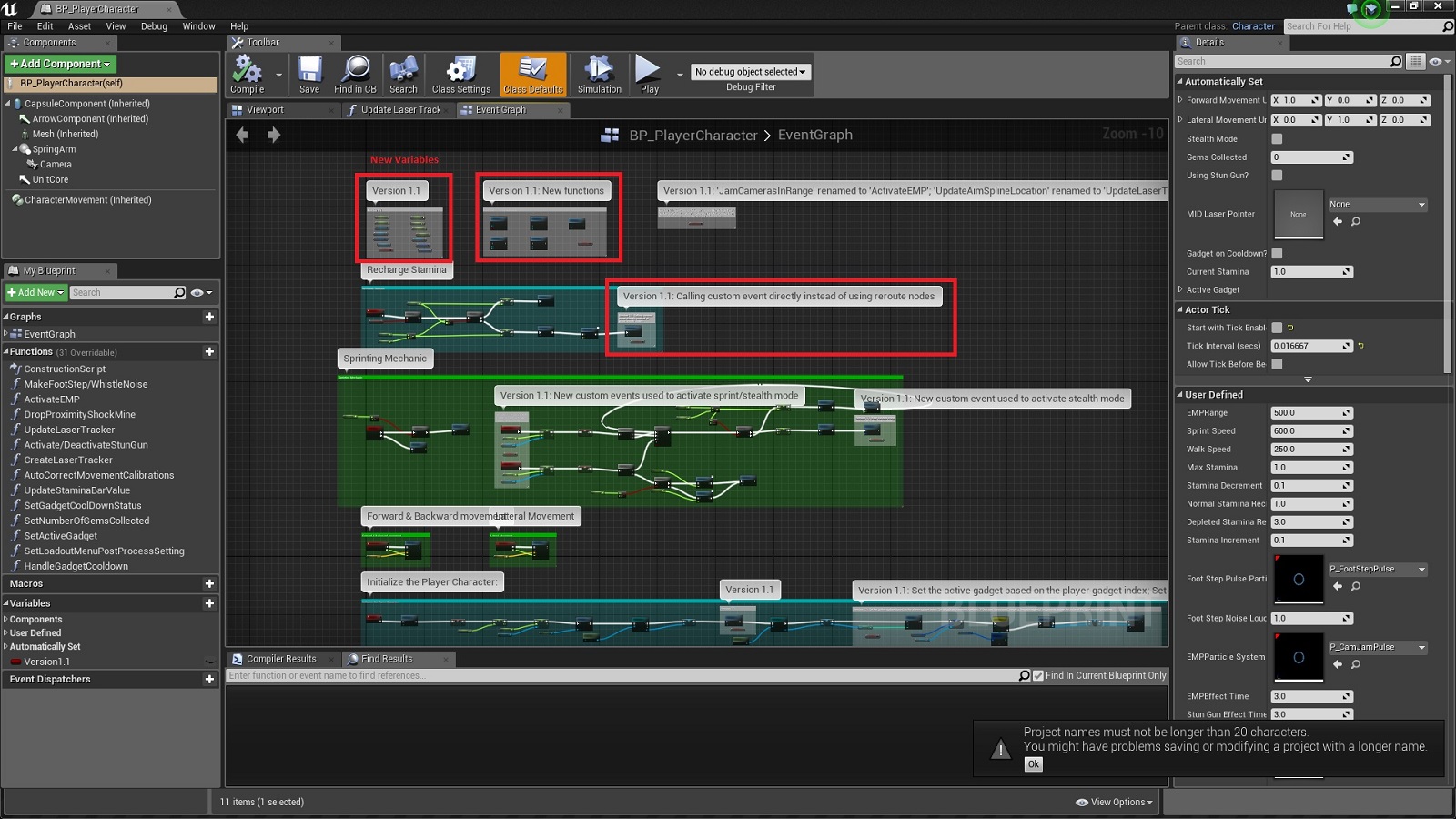
All changes within the blueprints are marked with the boolean variable 'Version1.1' in order to easily identify the workflow changes introduced with this update. Comments are also written to describe the major changes. The new variables as well as functions added to existing blueprints are also marked in the event graph as shown below:
Changes in the Content Browser:
- New default HUD class added: BP_PlayerHUD.
- New default Game Instance class added: BP_TDSTGameInstance.
- Removed BP_EnemyAI_Parent class.
- Added new stationary enemy AI class: BP_StationaryAI_Turret.
- BT_PatrolEnemyAI, & BTT_SearchCurrentLocation renamed to 'BT_PatrolAI', BTT_SetNewPatrolLocation & BTT_InspectCurrentLocation respectively.
- Removed BT Tasks BTT_AimAtPlayer & BTT_ExecutePatrolMovement.
- Added new BT Tasks BTT_KeepTargetInFocus, BTT_SetActiveThreat, BTT_SetNewPatrolLocation, BTT_SetNewTargetLocation & BTT_TakeAimAtTarget.
- BP_StationaryEnemyAI_Camera & BP_StationaryEnemyAI_Parent renamed to BP_StationaryAI_Camera & BP_StationaryAI_Parent respectively.
- Added new custom components: BPC_AutomatedLaserTracker & BPC_VisionArcVertexManager.
- Added new enums: EHUDState, ENoiseType & EOperationCostLevel.
- Removed enum Enum_PlayerSkills.
- Added new class BP_VisionArcOptimizer.
- Added new widgets: Widget_GadgetSelectionButton, Widget_GadgetsGridPanel & Widget_LoadoutMenu.
- 'BB_PatrolEnemyAI', 'BP_AIController_PatrolEnemyAI, 'BP_PatrolEnemyAI_Melee, BP_PatrolEnemyAI_Parent, & BP_PatrolEnemyAI_Ranged renamed to BB_PatrolAI, BP_AIController_PatrolAI, BP_PatrolAI_Melee, BP_PatrolAI_Parent, & BP_PatrolAI_Ranged respectively.
- Enum_PatrolAIClass, Enum_PatrolAIState, Enum_PatrolType, Enum_PlayerGadgets, Enum_StationaryAIClass & Enum_StationaryAIState renamed to EPatrolAIClass, EPatrolAIState, EPatrolType, EGadgets, EStationaryAIClass & EStationaryAIState respectively.
For more details, check out the official support thread in the Unreal Engine forums at: https://forums.unrealengine.com/showthread.php?97156-Top-Down-Stealth-Toolkit